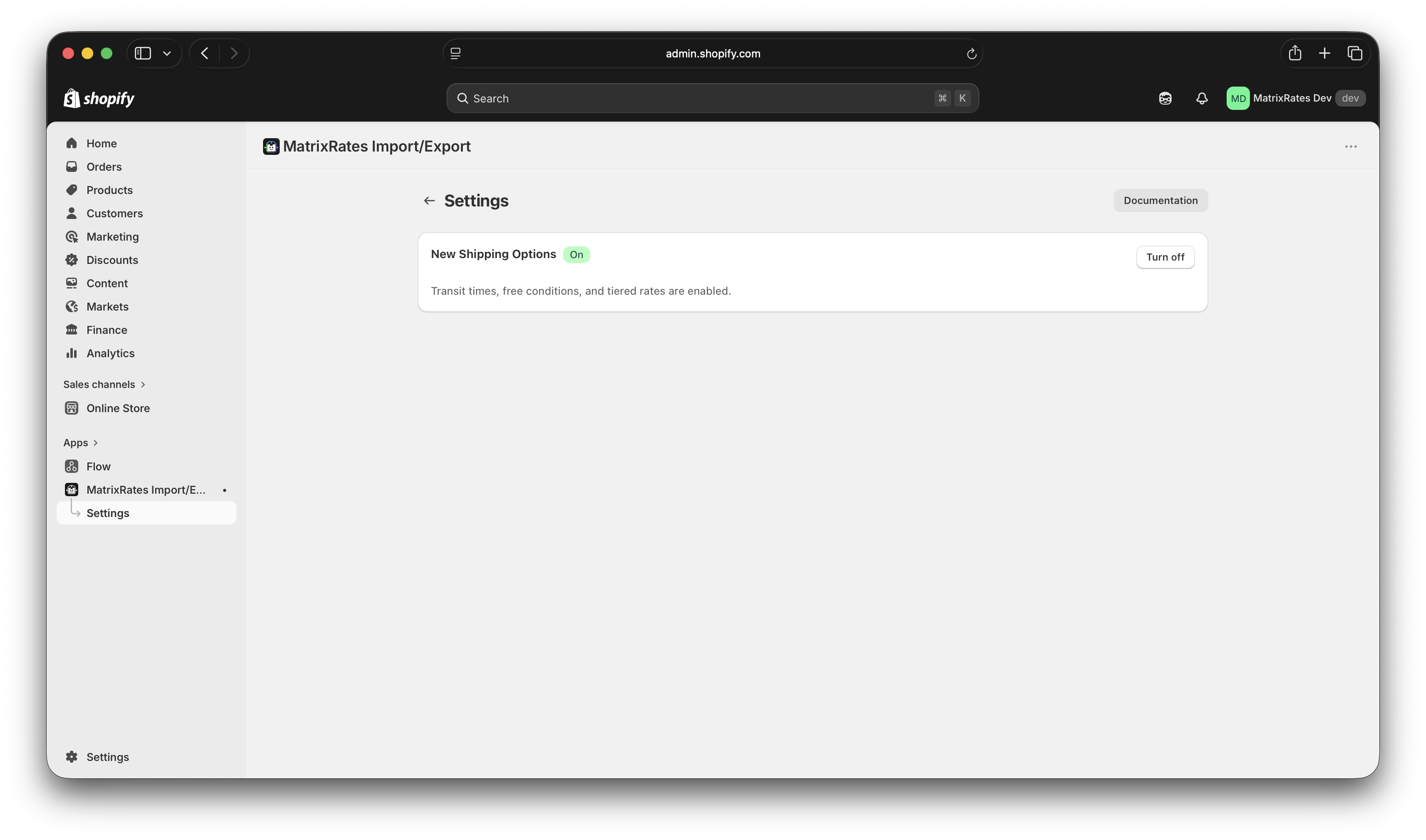
How to turn on transit times, free shipping thresholds, and grouped rates for your store.
New Shipping Options is a feature that unlocks three new capabilities for your shipping rates: transit times, free shipping thresholds, and grouped (tiered) rates. It is turned off by default, and existing rates are unaffected until you enable it.
Most stores can enable New Shipping Options straight away. If your store uses an older version of Shopify’s shipping setup, the toggle will appear greyed out with a link to Shopify’s upgrade instructions — follow that link first, then come back here to enable the feature.
The example CSV you can download from the app switches to the 16-column v1.2 format, which includes the three new columns.
Exports include Transit Time Min Days, Transit Time Max Days, and Free Min Order Amount columns.
Imports read and apply those same columns. Rows with blank values in the new columns import without transit times or a free shipping threshold — exactly as before.
Rates you have already imported are not changed. The toggle only affects what happens on your next import or export.
You can turn New Shipping Options off at any time. When off, the app goes back to the 13-column v1.1 format for exports and imports. The new columns are ignored if present in an uploaded file.
This feature uses a part of Shopify’s platform that is still in development. Shopify may update it without notice, which could temporarily affect how transit times and free shipping thresholds appear at checkout. If you notice unexpected behaviour after a Shopify update, contact us at support@dojoapps.co.uk.